WhatsApp Group Chats: 3 New Features You Must Try in 2026
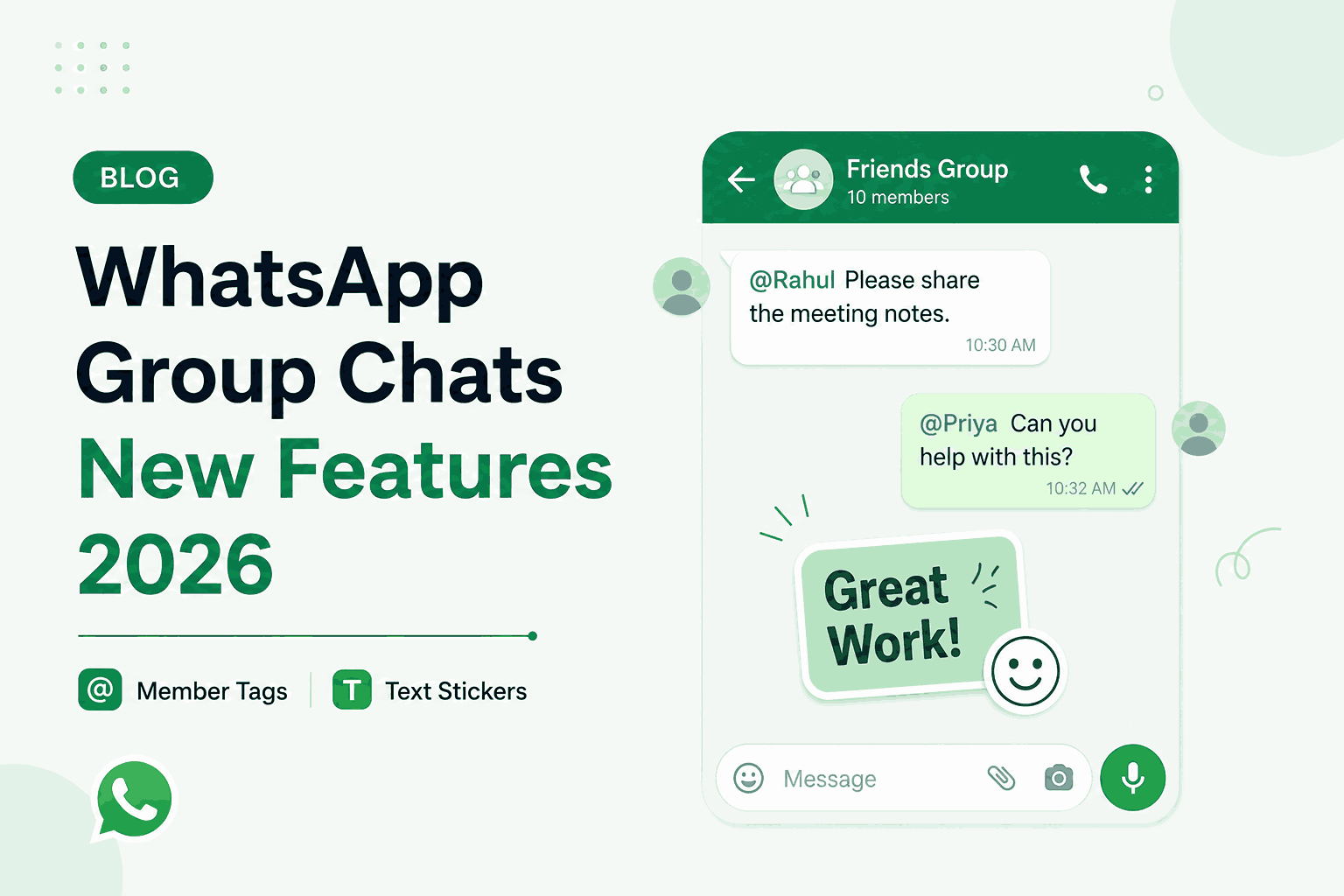
WhatsApp group chats are getting a major upgrade in 2026. Whether you're managing a family group, a sports team, a work project, or a community of friends, these new features will change how you interact in groups. In January 2026, WhatsApp quietly rolled out three powerful features that most users haven't discovered yet.
In this guide, we'll walk you through 3 new WhatsApp group features – Member Tags, Text Stickers, and Early Event Reminders – and show you how to use them like a pro.
1. Member Tags – Custom Labels for Group Roles
Ever wished you could add a little label next to your name in a group chat so everyone knows your role? Now you can. Member Tags let you add a custom tag next to your name in any group chat. These tags are per-group and don't change your global profile name.
📱 How to add a Member Tag:
- Open any group chat where you're a participant
- Tap on the group name at the top of the screen
- Scroll down and tap on your own name in the participant list
- Tap Add Member Tag
- Type your tag (e.g., "Anna's Dad", "Goalkeeper", "Project Lead")
- Tap Save – the tag will appear next to your name in that group only
Pro tip: You can have different tags in different groups. In your family group, you might be "Anna's Dad". In your soccer team group, you might be "Goalkeeper". Each group keeps its own tag.
📌 Use cases for Member Tags:
- Family groups – "Anna's Mom", "Grandpa", "The Cook"
- Sports teams – "Goalkeeper", "Captain", "Coach"
- Work projects – "Project Lead", "Designer", "Developer"
- Community groups – "Admin", "Moderator", "Volunteer"
- Event planning – "Organizer", "Catering", "Logistics"
2. Custom Text Stickers – Turn Any Word Into a Sticker
You no longer need third-party apps to create custom stickers. WhatsApp now lets you turn any word or phrase into a sticker instantly. Type it, generate it, save it – that's it.
📱 How to create a Text Sticker:
- Open any chat (group or individual)
- Tap the sticker icon (smiley face with a corner fold)
- Tap the text icon (usually a "T" or text symbol in the sticker panel)
- Type any word or phrase – e.g., "Awesome!", "Let's Go!", "Meeting at 3PM"
- Choose a background color and font style (optional)
- Tap Send or Add to Stickers to save it to your sticker pack
Note: Once saved, your custom text stickers remain in your sticker pack for future use. You can create as many as you want.
📌 Fun ways to use Text Stickers:
- Celebrations – "Happy Birthday!", "Congratulations!", "Well done!"
- Quick replies – "On my way!", "Almost there", "Running late"
- Work communication – "Meeting at 3PM", "Approved", "Needs review"
- Group coordination – "Bring snacks!", "Who's driving?", "Check pinned message"
- Fun reactions – "Seriously?!", "Haha", "Wow"
3. Early Event Reminders – Never Miss a Group Event Again
Group events are great – until half the people forget to show up. WhatsApp's new Early Event Reminders feature lets you set custom notifications for group events so everyone actually arrives on time.
📱 How to set Early Event Reminders:
- In a group chat, tap the attachment icon (+) next to the message box
- Tap Event
- Fill in event details (title, date, time, location, description)
- Tap Early Reminder and choose when you want to be reminded
- Options include: 15 min before, 1 hour before, 1 day before, or custom
- Tap Create – the event appears in the group chat
Note: All group members receive the event notification and can also set their own reminders.
📌 When to use Early Event Reminders:
- Meeting reminders – "Team sync at 10AM tomorrow"
- Party planning – "Birthday party Saturday at 7PM"
- Sports events – "Game starts at 3PM – be there 15 min early"
- Deadline reminders – "Project submission due Friday"
- Repeating events – "Weekly book club every Wednesday"
Bonus: Group Message History for New Members
When someone new joins a group, they often miss important past conversations. WhatsApp now offers an option for new members to see previous messages (if the group admin enables it). This is especially useful for work groups, project groups, and communities where context matters.
📱 How to enable Group Message History:
- Go to the group chat and tap the group name
- Scroll down and tap Group Settings
- Toggle on New Members Can See Previous Messages
- Done – new members can now catch up on past conversations
Note: This setting can be changed anytime by group admins. Enable it for work groups, disable it for private family groups.
WhatsApp Group Chats – Summary Table
| Feature | What It Does | Best For |
|---|---|---|
| Member Tags | Custom labels next to your name | Showing roles, responsibilities |
| Text Stickers | Turn any word into a sticker | Quick reactions, celebrations |
| Early Event Reminders | Set custom notifications for events | Meetings, parties, deadlines |
| Group Message History | New members see past messages | Work groups, communities |
Why These Features Matter
WhatsApp group chats are used by billions of people daily – for work, family, friends, communities, and events. These new features address real pain points that users have faced for years:
- Member Tags solve the "who is who" problem in large groups
- Text Stickers make communication faster and more expressive
- Early Event Reminders ensure everyone shows up on time
- Group Message History helps new members get context without asking
Final Thoughts
WhatsApp continues to evolve beyond just messaging. With these 2026 features, group chats become more organized, expressive, and efficient. Whether you're a group admin or just a participant, these tools will make your group experience significantly better.
Update your WhatsApp today to start using Member Tags, Text Stickers, and Early Event Reminders. Your groups will thank you.
📚 You May Also Like
🚀 Start using DirectlyChat today: